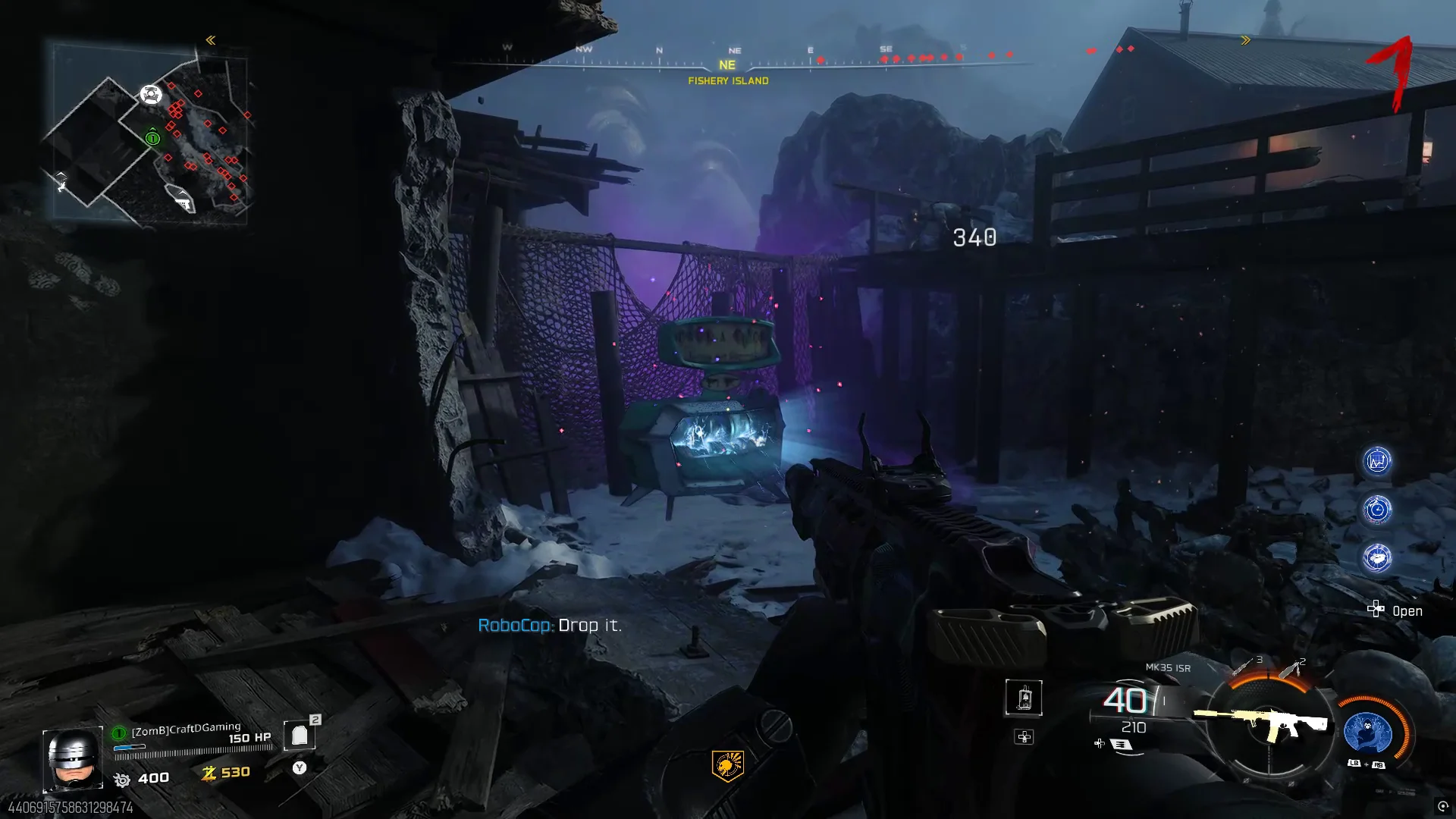
In order to open up the Pack-A-Punch you will need to first activate the power on the map. If you need help on doing that use the link below.
Related Guide How To Switch On Power
After getting the power on you need to then exit Tyr through the pod with the zombies legs dangling down. The will launch you back onto the map and the zombie that was in there with you will drop an Admin Keycard.
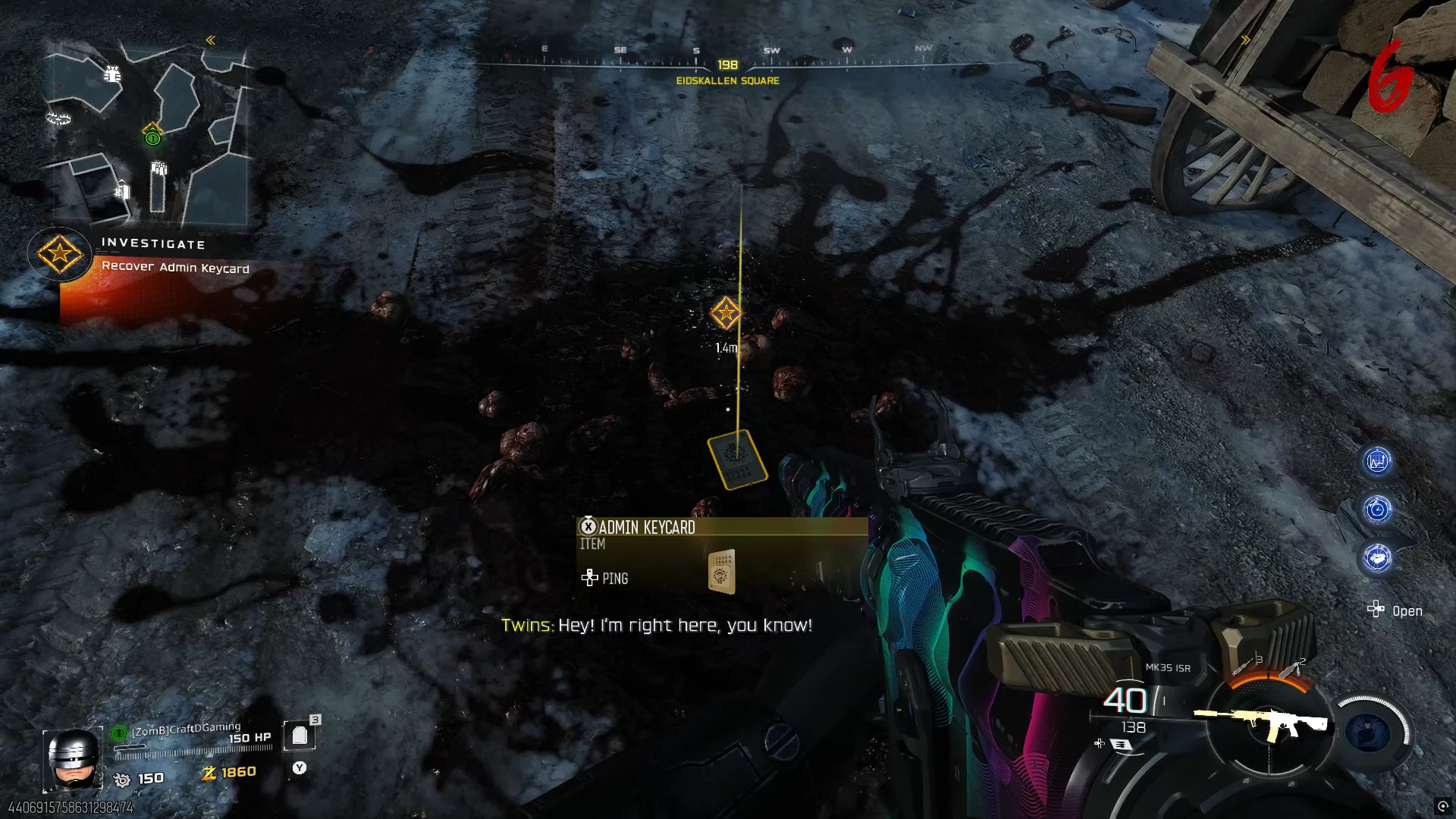
Pick this up and head on back over to the Core Foundry and up up the building. In here you will see a door that is locked with a Keycard Reader on the side. Interact with the Keycard Reader and the room will open up - funnelling out a few stray zombies. Kill them and take the Glocke Drop Controller.

Head on back over to Fishery Island and interact with the purple light circle on the ground. This will start a timed event where you simply have to stay alive while on Fishery Island while it counts done so just run around the edge. Once completed a Glocke Drop will fall revealing the Pack-A-Punch.