You can either progress naturally through rounds while opening the map, or you can use a safer strategy by staying in the spawn area until you have enough points to buy all required doors in one run.
Step 1 - Earn Enough Points
Stay in the starting area and build up around 7000 points before moving through the map. This allows you to open every required door without getting stuck halfway through the route.
Step 2 - Follow The Main Route
Once you are ready, begin opening the required doors along the main path through the map. Following this route will lead you directly to the two power switches needed to activate the system.
Step 3 - Activate The First Power Switch
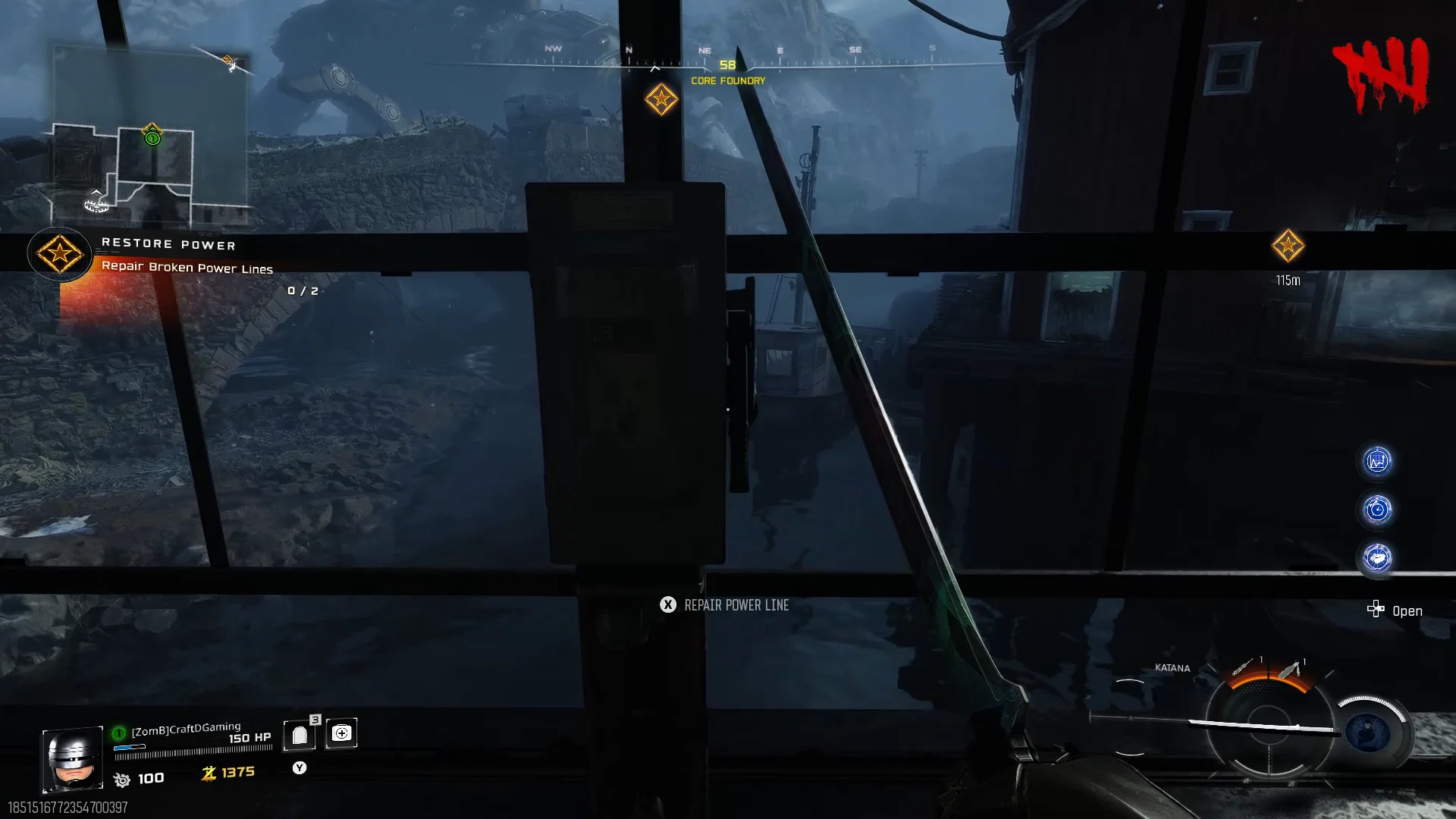
The first power switch is located in:
- Core Foundry
Interact with the switch to activate it.
Step 4 - Activate The Second Power Switch
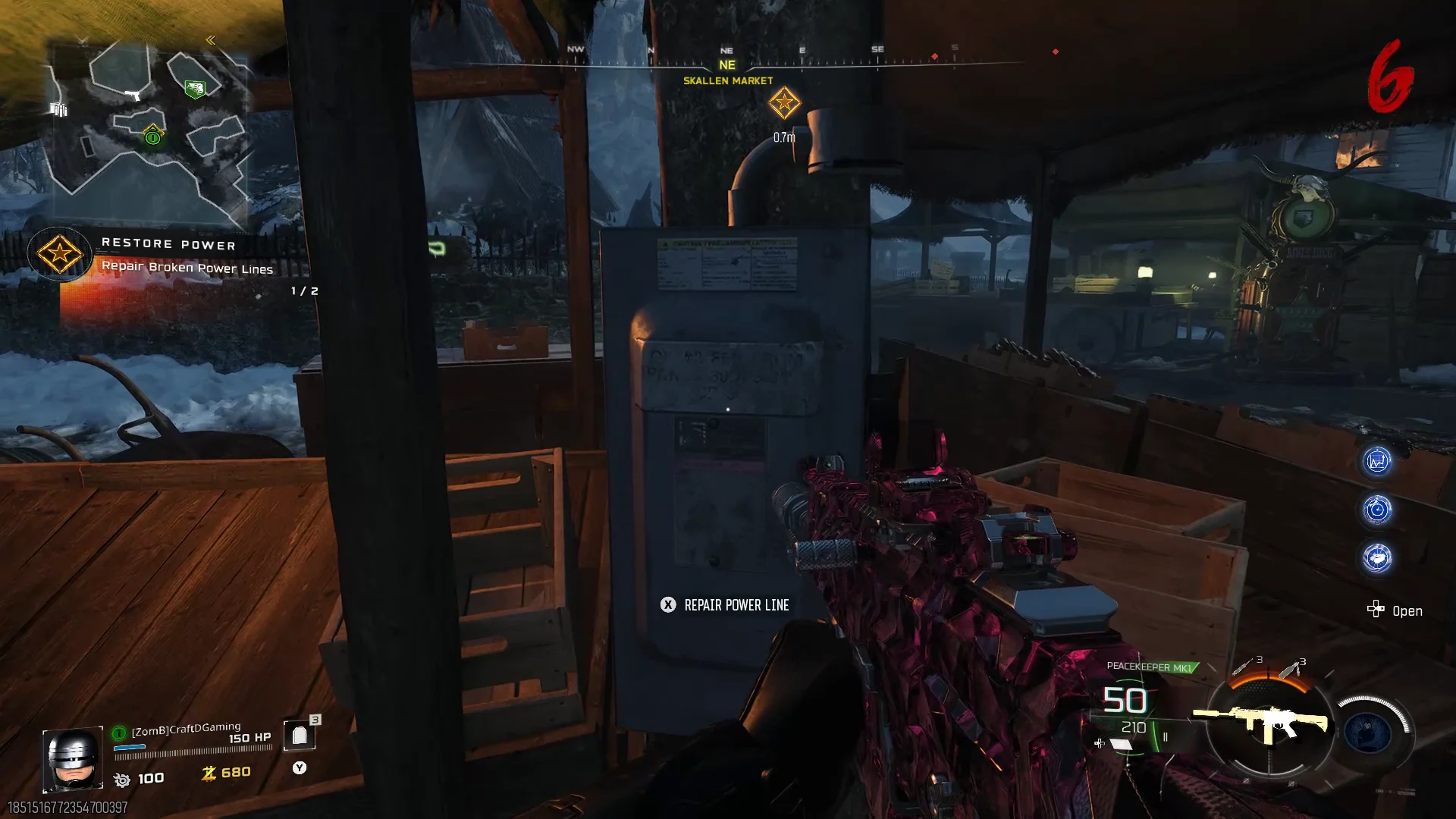
After activating the first switch, continue through the map until you reach:
- Skallen Market
Interact with the second power switch here.
Step 5 - Enter Tyr's Head

With both switches activated, you will only have one final barrier left to open.
Go through the newly accessible path and enter Tyr's Head.
Step 6 - Activate Tyr

Inside Tyr's Head, you will find a control panel.
Interact with the panel to activate Tyr and restore power across the entire map.
Once completed, power-dependent machines and features across Totenrech will become available.