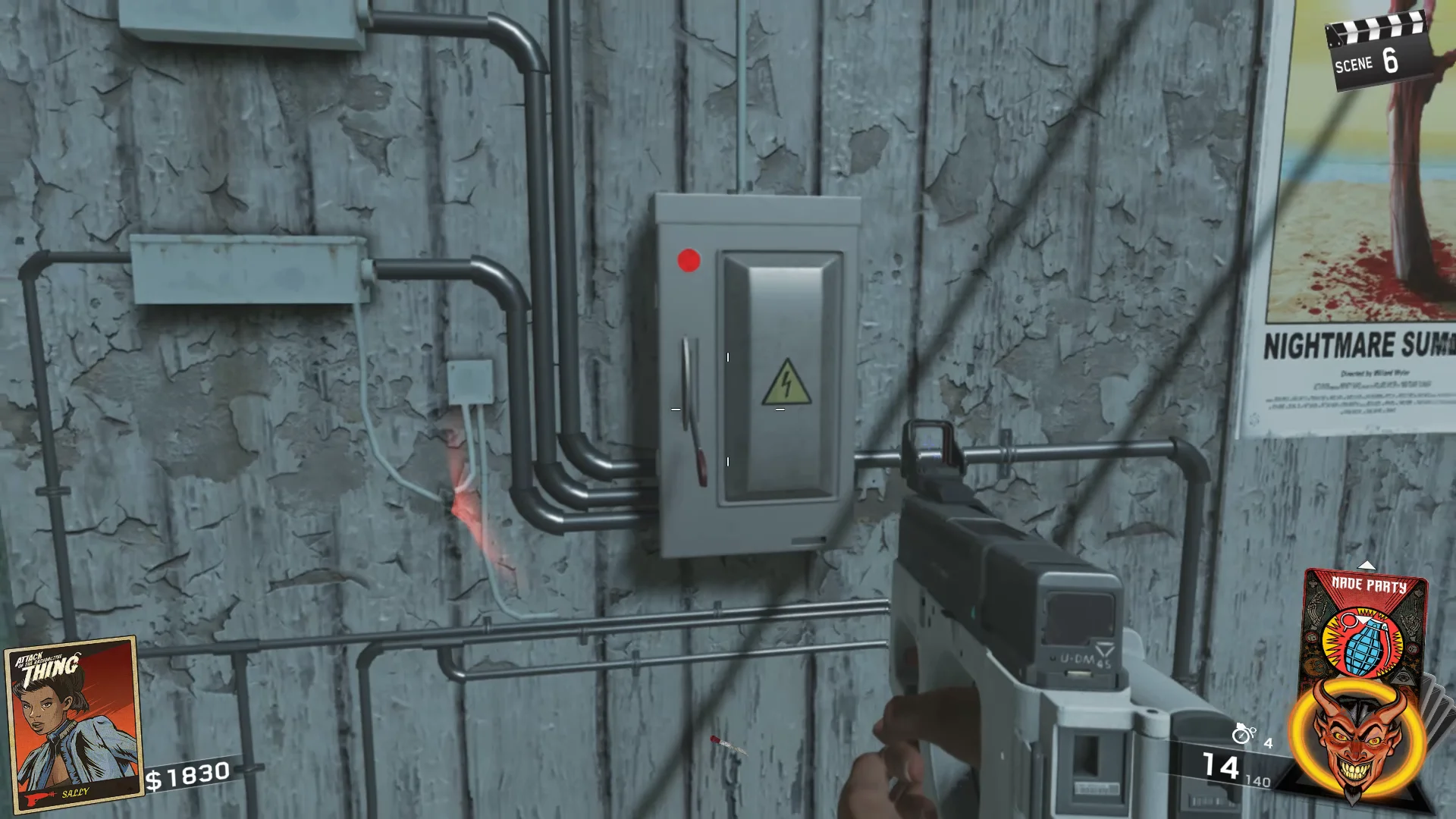
Step 1: Locate the Power Plant
Leave the spawn area and follow the main path uphill, passing the Ice Cream Shop and Convenience Store along the way. Continue until you reach the Power Plant entrance on your right-hand side. Inside, you'll find the main power box, but it cannot be activated yet because the handle is missing.
Step 2: Find the Missing Power Handle
Exit the Power Plant and continue making your way toward the beach. Travel through the Beachside Market area, or alternatively take the route past the Drive-In. Continue beyond the Gas Station and head down the stairways leading to the shoreline.
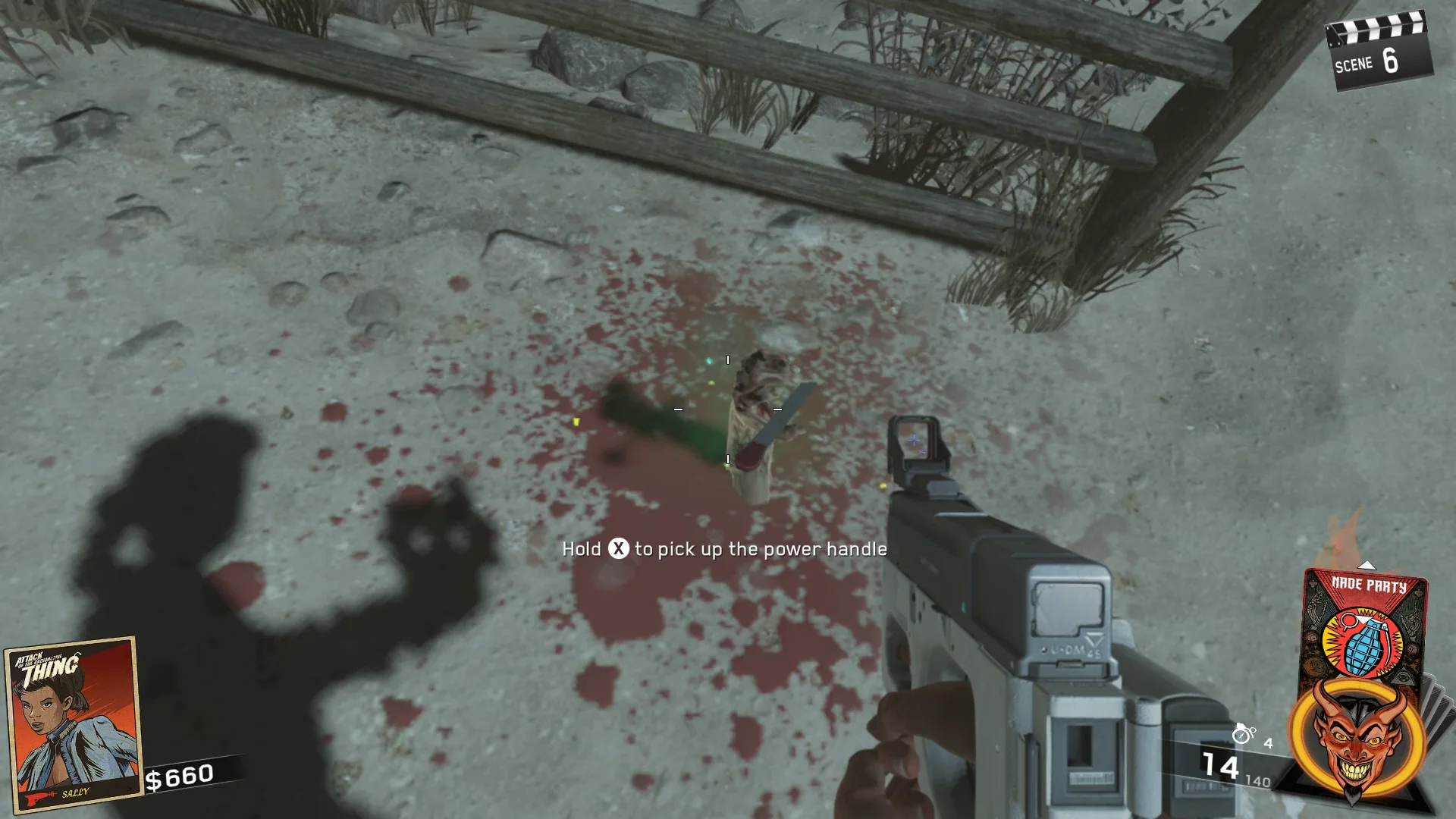
Once you reach the sandy beach, look out toward the ocean where the giant Radioactive Thing can be seen emerging from the water. Search the nearby sand dunes for a zombie hand sticking out of the ground. The missing power handle will be clutched in its grasp, typically near a fence or staircase. Interact with it to collect the handle.
Step 3: Restore Power
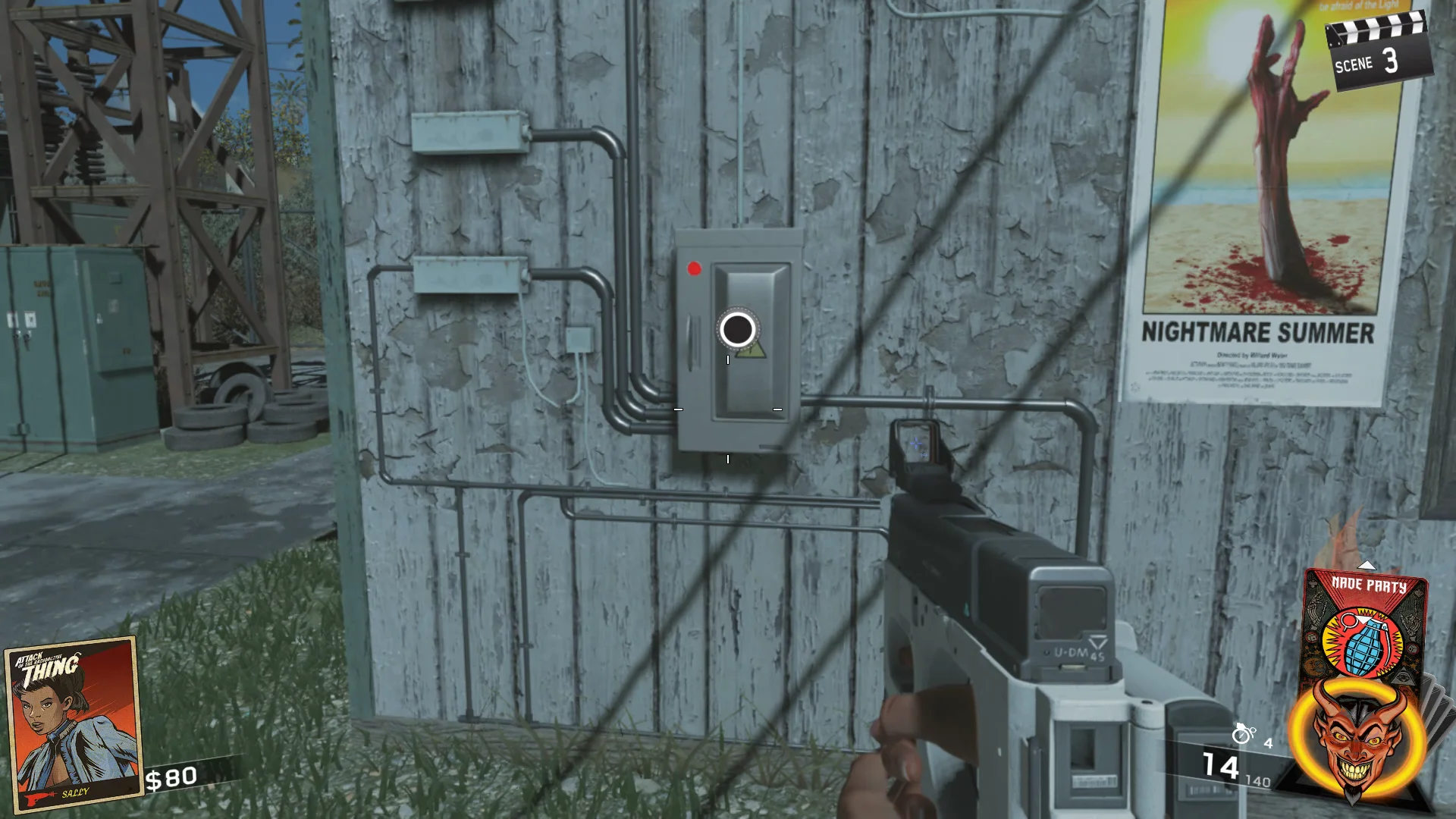
With the handle in your inventory, return to the Power Plant. Interact with the broken power box to install the handle, then activate the switch to restore power across the entire map.
Once the power is on, you'll gain access to essential map features including Perk Machines, allowing you to continue progressing through the Easter Egg and other objectives.